
How to Create a New Salary Type
How to Create a New Salary Type
How to Create a New Salary Type
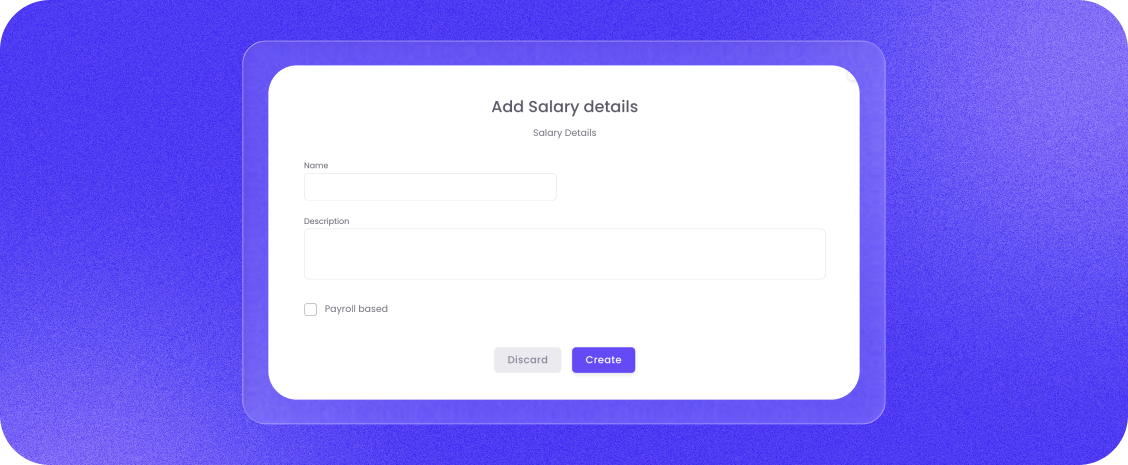
To add a new model, click the "+ Add salary type" button.
- Navigate: Go to "Salary Configurations" in the main menu.
- Name and Describe: Give the salary model a clear name and describe its purpose.
- Choose Format: Mark if the configuration should be a "Fixed salary" for base pay.
- Currency and Amount: Select the desired currency (e.g., SEK or EUR) and enter the applicable amount.
- Interval: You can also choose if the payout should occur at a specific interval, such as "Every week".
- Save: Finish by clicking "Create" (or "Submit") to activate the new salary model.