
How to Add a New Buddy in BuddyPro
How to Add a New Buddy in BuddyPro
How to Add a New Buddy in BuddyPro
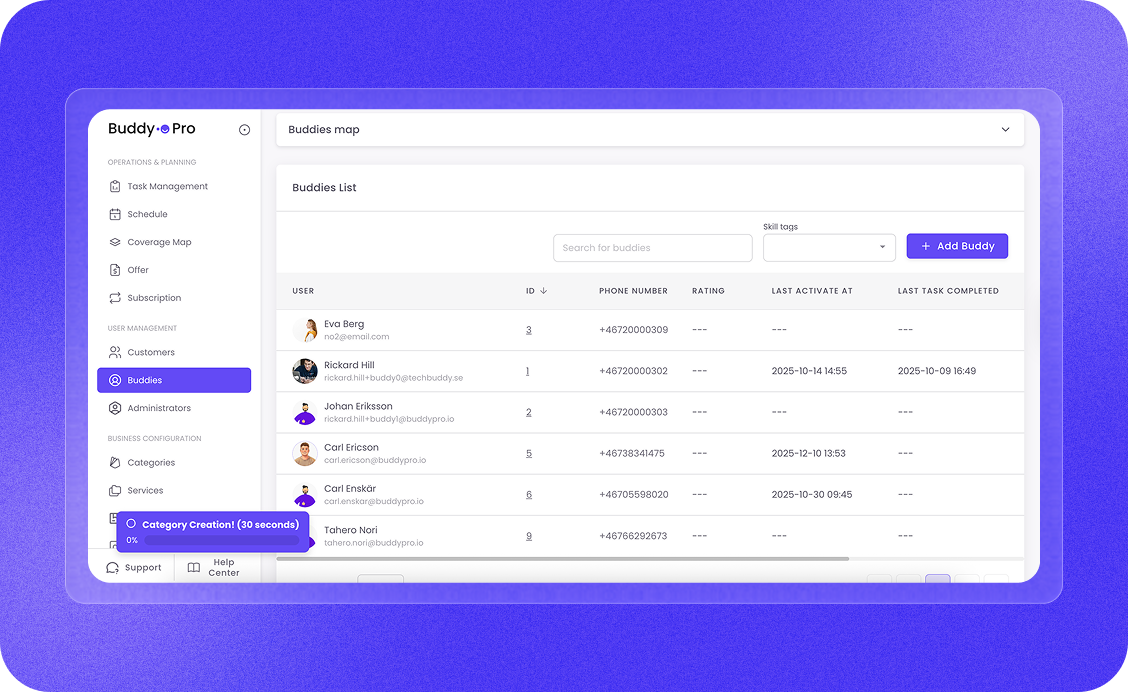
Building your team is simple. Click the "+ Add Buddie" button to open the registration window.
- Profile and Contact: Enter first name, last name, email, and phone number. Here, you can also upload a profile picture to make the platform more personal.
- Proximity Index: Define how far a Buddy is willing to travel for an assignment by selecting a radius (from 5 km up to 100 km).
- Salary and Services: Link the team member to a specific salary configuration (e.g., "Default Salary") and select which services the person is qualified to perform.
- Presentation: Write a short description of your Buddy. This is an excellent way to highlight their unique skills and experience.
☝🏻 Once you click "Create", your Buddies becomes an active part of your team and is immediately ready to be scheduled for new assignments.