
How to Create a Discount
Overview of Discount Management
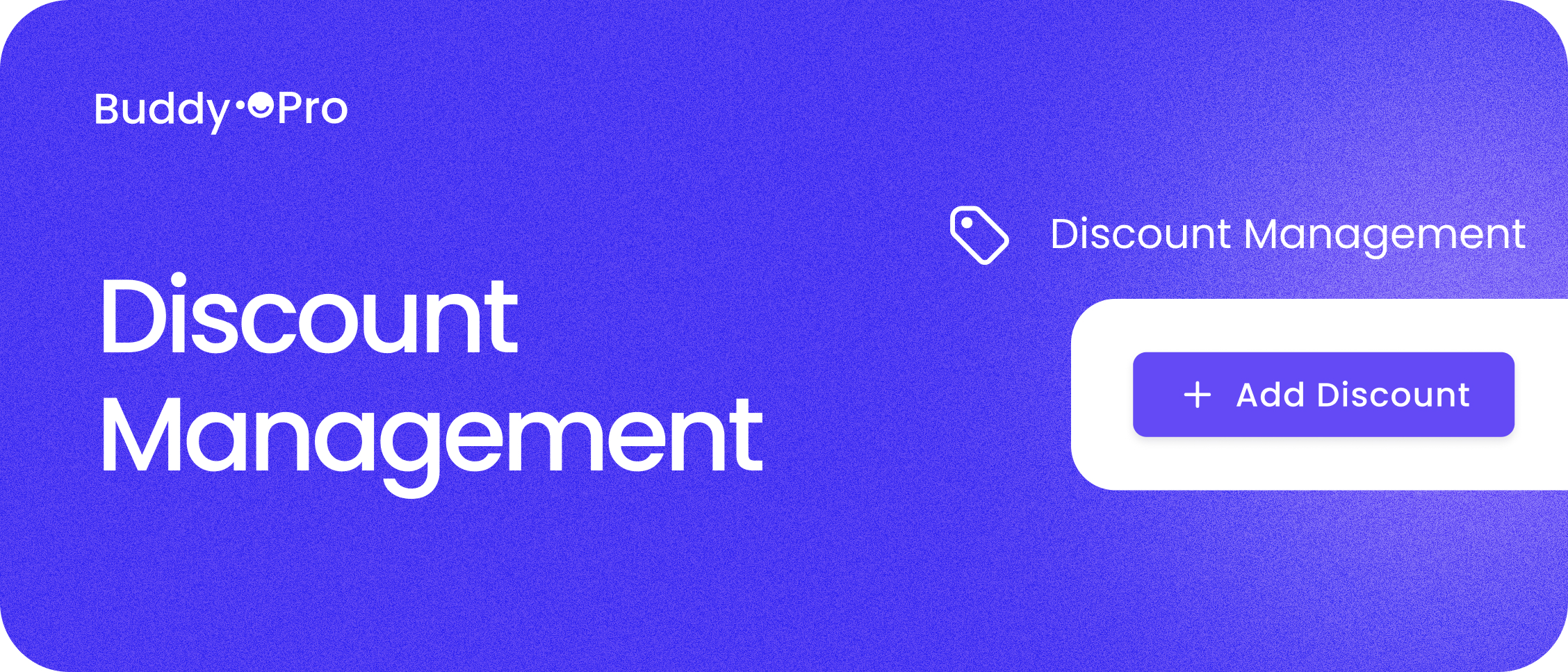
Create a Discount
Follow these steps to create a discount:
- Select Discount Management from the main menu on the left side of your portal.
- Click the Add Discount button.
- Specify whether the discount is a Percentage or a Flat Rate.
If you selected Percentage, complete the following information:
- Enter the discount percentage (e.g., 10 for 10%).
- Select currency (e.g., SEK or EUR).
- Enter the discount code (e.g., SUMMER2026).
- Set a validity period.
- Click Create to save.
If you selected Flat Rate, complete the following information:
- Enter the flat rate amount (e.g., 100 SEK).
- Select currency (e.g., SEK or EUR).
- Enter the discount code (e.g., SUMMER2026).
- Set a validity period.
- Click Create to save.